How To Create A Low Friction Home Charging Station For Several People
A practical step-by-step guide to how to create a low-friction home charging station for several people, including preparation, instructions, common issues, tips, and next steps.
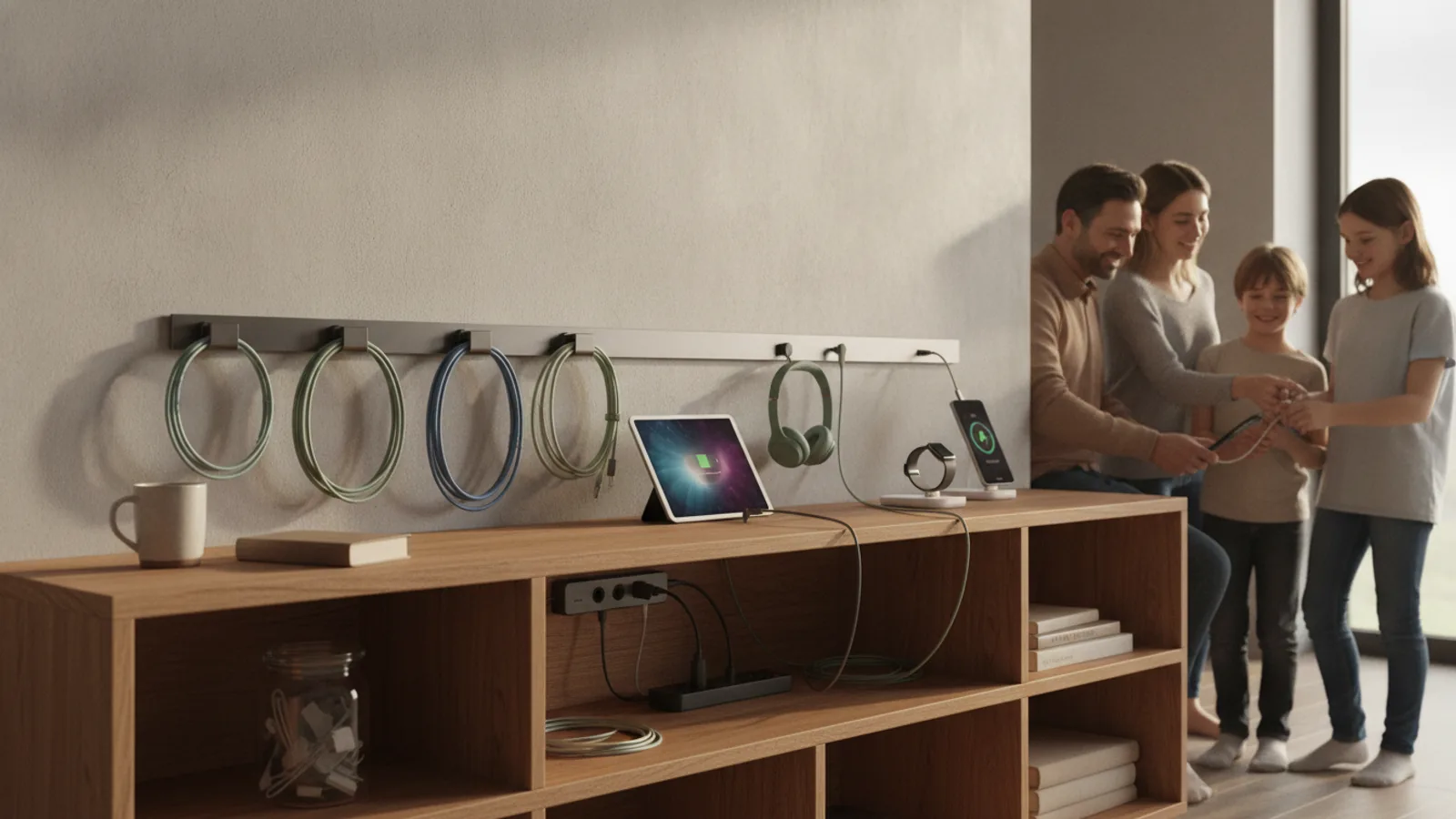
How To Create A Low Friction Home Charging Station For Several People
This guide explains how to create a low-friction home charging station that several people can use easily. It covers choosing a location, installing the necessary electrical components, setting up clear usage rules, and managing the station to minimize conflicts and maximize convenience for all users. The focus is on practical steps that keep the station simple, safe, and fair for everyone involved.
Fast Answer
- Choose a central, accessible location near your electrical panel and ensure it has a dedicated circuit that can handle the load. Install a Level 2 charger with a long cable and use a scheduling app to avoid peak times.
- Set up a simple booking system, like a shared calendar or a physical sign-up sheet, so each person knows when they can charge. Label each connector and keep the area tidy to prevent cable clutter.
Before You Start
- Check your home's electrical panel to see if there is spare capacity for a new circuit. You might need to consult a licensed electrician to assess the load and determine if an upgrade is necessary.
- Decide on a location that is central for all users, close to where cars are parked, and near the electrical panel. Ensure the area is sheltered from weather and has good lighting for evening use.
- Choose a charging unit with a long cable (at least 20 feet) and multiple connectors if you have different vehicle types. Look for features like Wi-Fi connectivity and a mobile app that allows scheduling and usage tracking.
- Plan the layout of the charging spot, including a cable management system (like a hook or holder) to keep the cable off the ground when not in use. Consider adding a sign with usage rules or a simple sign-up sheet.
Step-by-Step Instructions
Assess Your Electrical Capacity and Panel Space
First, locate your home's electrical panel and identify the main breaker. Calculate the total amperage of your current circuits and compare it to the panel's rated capacity. You need to know if there is room for a dedicated circuit for the charger. Typically, a Level 2 charger requires a 240-volt circuit with a 30 to 50 amp breaker. If your panel is full or has insufficient capacity, you may need to upgrade it, which is a job for a licensed electrician. Check your panel's label for the maximum amperage and the number of available slots. If you are unsure, schedule an electrician to perform a load calculation. This step ensures you do not overload your system, which could trip breakers or cause a fire. Understanding your capacity prevents future problems and helps you budget for any necessary upgrades.
Choose the Optimal Location for the Charging Station
Select a location where the cable can easily reach all cars. Ideally, this is at the front or side of your home near the driveway. If you have a garage, that is often the best spot, as it protects the equipment from weather. Walk around your property and visualize where each person parks. Measure the distance from the proposed charger location to the parking spots, and ensure the cable length is sufficient (most cables are 15-25 feet). Also, consider the distance from the electrical panel to the charger location; longer runs mean more wiring and potentially higher installation costs. Choose a spot that is well-lit and accessible at night. If possible, position the charger so that the cable does not cross walking paths or driveways, reducing trip hazards. A well-chosen location reduces the risk of cable damage and makes daily charging easier for everyone.
Install the Dedicated Circuit and Outdoor Rated Outlet
Hire a licensed electrician to install a dedicated circuit from your panel to the chosen location. This circuit must be properly grounded and have a suitable breaker size. The electrician will run the wire, install a weatherproof outlet (if outdoors) or a hardwired unit, and ensure everything meets local codes. If you are installing a plug-in charger, use an outlet that is rated for the amperage and has a NEMA plug that matches your charger. If the charger is hardwired, the electrician will connect it directly. After installation, test the circuit by plugging in the charger and monitoring the breaker for any tripping. This step is critical because a dedicated circuit prevents other appliances from overloading the line, which could cause a fire. Having a professional install ensures safety and reliability for years to come.
Set Up User Scheduling and Communication
Create a simple scheduling system to avoid conflicts. You can use a shared digital calendar, a dedicated app like a home scheduling tool, or even a physical whiteboard with time slots. Determine each person's typical charging needs and assign time windows based on usage. For example, someone with a long commute might need an overnight slot, while others can charge during the day. Communicate the schedule clearly and establish a rule that users must stick to their slot unless they arrange a swap. Also, decide who is responsible for moving cars if a slot is missed. Consider installing a smart charger that allows you to set schedules in the app, so charging automatically starts and stops at designated times. This reduces the need for constant manual coordination and makes the system low-friction.
Organize Cables and Add Basic Signage
Install a cable management system, such as a wall-mounted hook, a retractable reel, or a simple loop, to keep the cable off the ground when not in use. Label the charging cables or connectors with different colored tape or tags if there are multiple vehicles with different port types. Place a small sign near the station that lists the schedule, any usage rules (e.g., 'Unplug when done'), and a reminder to be courteous. Also, consider a lockable cabinet if you worry about theft or vandalism. Organizing the area prevents tripping hazards, keeps the equipment in good condition, and makes the station pleasant to use. A tidy station is more inviting and helps everyone respect the shared space.
Monitor Usage and Adjust Fairness Policies
After the station is in use for a few weeks, review how it is being used. Check if anyone frequently misses their slot or if some users monopolize the station. Use the data from a smart charger to see usage patterns, or simply ask for feedback. Adjust the schedule as needed, perhaps by assigning different nights to different people. If someone consistently needs more charge, consider setting a limit on how many times they can charge per week. Also, ensure that everyone knows how to report issues with the charger or the station. Regular monitoring helps maintain fairness and keeps the system running smoothly, reducing frustration. This step is about continuous improvement, so the station remains convenient for all.
Quick Reference
| Situation | Action | Why it helps |
|---|---|---|
| Two people need to charge their vehicles on the same evening after work. | Check the shared schedule and if both have not booked, use a mobile app to switch one person to a later slot. If the slots conflict, one person can move to overnight charging starting at 10 PM. | This avoids a last-minute dispute and ensures both cars get sufficient charge for the next day, using the scheduled time windows. |
| A car is left plugged in after it is fully charged, blocking the next person's turn. | Set a reminder on the charger's app to send a notification when charging is complete. Also, agree on a rule: the owner of the fully charged car must move it within 30 minutes or pay a small fine (like doing dishes). | Timely unplugging maximizes the station's availability and keeps the schedule fair for all users. |
| The outdoor outlet is exposed to rain and you need to charge during a storm. | Check that the outlet is weatherproof and that the charger is plugged in securely. If the outlet is not protected, use a weatherproof cover and ensure the charger is rated for outdoor use. If not, move charging indoors or use a rain cover. | Safety is paramount, and using outdoor-rated equipment prevents electrical hazards and damage to the charger. |
Common Issues
- The breaker trips whenever someone uses the charger, especially if other appliances are on.: This usually means the circuit is overloaded. Check if other large appliances share the same circuit. If they do, move the charger to a dedicated circuit or shift the use of those appliances to non-charging times. If the issue persists, consult an electrician to ensure the wiring and breaker are correctly rated.
- The charger cable is too short to reach the port on some vehicles.: Reposition the car so that the port is closer to the charger, or use an extension cable if the charger supports it. Alternatively, consider having a second charging location or installing a longer cable. If you have a mixed fleet, note that some ports are on the front or rear; adjust parking accordingly.
- People forget to unplug the charger when done, delaying the next user.: Get a smart charger that sends alerts when charging is complete and automatically stops. Post a visible reminder sign, and set a phone reminder for the owner. Also, make a rule that if someone forgets, they must be responsible for the next day's setup.
Advanced Tips
- Use a smart charger that tracks energy usage per car, so you can split the electricity cost fairly among household members at the end of the month.
- If your home has solar panels, schedule charging during peak solar production hours to reduce grid electricity use, but check your inverter's capacity.
- Consider installing a secondary outlet on a separate circuit later if your household grows, to avoid the need to rewire the entire system.
Final Checklist
- Verify that the charging station is on a dedicated circuit and the breaker is properly labeled.
- Test the charger with each person's vehicle to ensure the cable reaches and the plug fits correctly.
- Ensure the schedule is visible and accessible to all users, and everyone knows how to book a slot.
- Walk around the area at night to check that the lighting is sufficient and the cable is not a trip hazard.
FAQ
What if our home's electrical panel doesn't have enough capacity for a new circuit?
If your panel is full or has insufficient amperage, you will likely need to upgrade your electrical service, which is a significant project. Consult a licensed electrician to perform a load calculation and determine if a panel upgrade is necessary. In some cases, you might be able to use a lower-amperage charger or install a smart load management system that automatically adjusts power usage.
Can I install a charging station outdoors in any weather?
Yes, outdoor installation is possible, but you must use weatherproof equipment and ensure the outlet is rated for outdoor use. The charger itself should have an IP rating that indicates it is protected against rain and dust. Always check the manufacturer's instructions for outdoor installation, and consider adding a protective cover for the outlet. If you live in an area with extreme weather, you might want to install it in a sheltered spot.
How do we fairly split the electricity cost among users?
The simplest way is to use a smart charger that monitors individual charging sessions and provides data on energy consumption. At the end of each month, you can total the energy used by each person and split the bill proportionally. Alternatively, you can use a fixed monthly fee per user or estimate based on mileage. The key is to agree on a method that everyone finds fair and transparent, and to review it periodically.