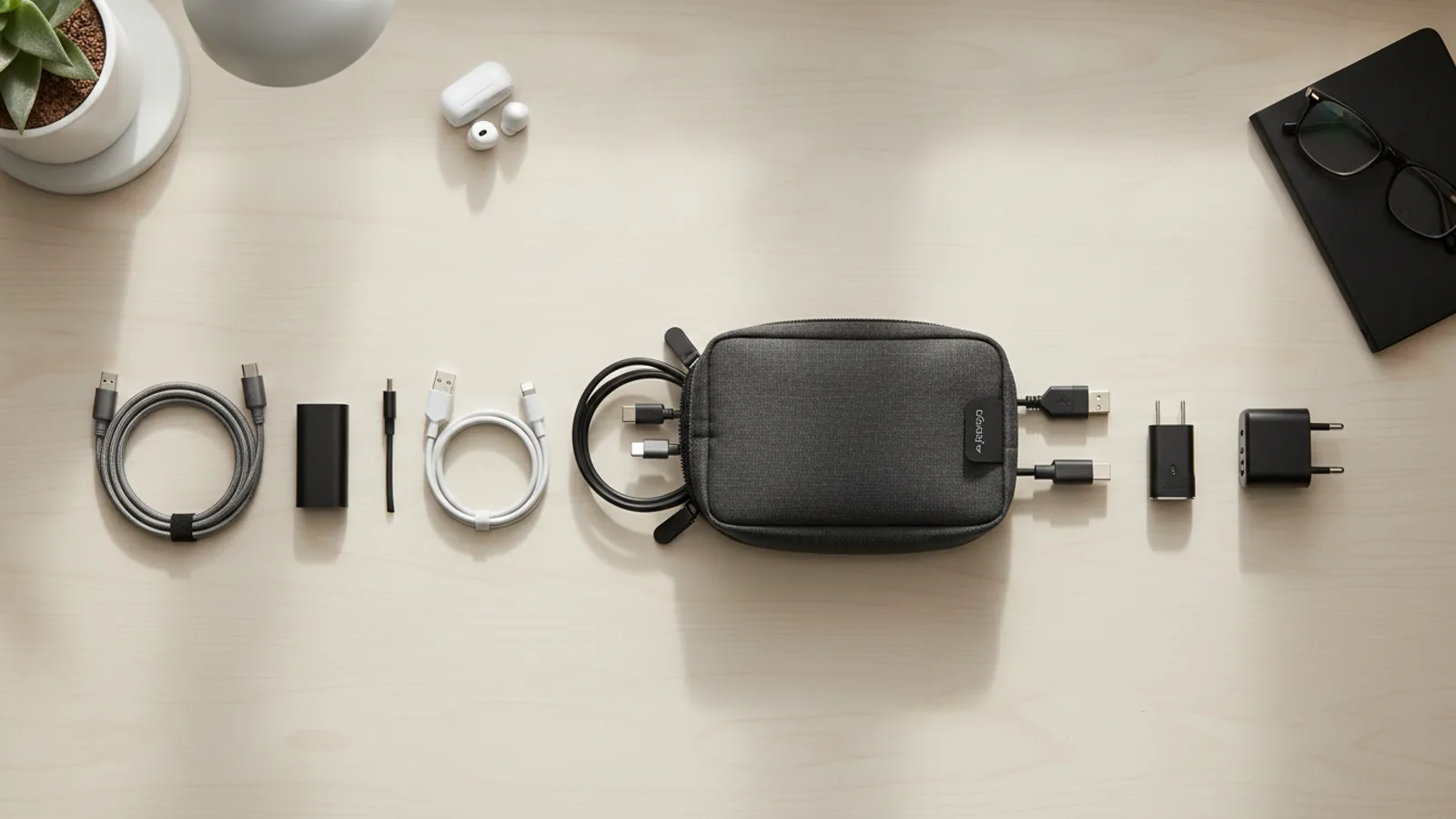
How To Choose USB C Cable Lengths Without Creating Cable Clutter
A practical step-by-step guide to how to choose USB-C cable lengths without creating cable clutter, including preparation, instructions, common issues, tips, and next steps.
How To Choose USB C Cable Lengths Without Creating Cable Clutter
Choosing the right USB-C cable length prevents clutter and keeps your workspace organized. This guide explains how to measure your needs, pick the shortest practical length, and manage longer runs without tangles.
Fast Answer
- To avoid clutter, always measure the exact distance from the power source to your device, then add a small margin of 10–15% for flexibility. For desks, use 1–2 meter cables; for wall outlets close to a shelf, 0.5–1 meter works best.
- Opt for the shortest cable that comfortably reaches without tension. If you have multiple devices, consider using a single charging station with multiple cables of different lengths, labeling each to reduce confusion and tangling.
Before You Start
- Measure the distance between the wall outlet or power source and the device's charging port with a flexible tape measure. Include any routing around furniture or along edges, and add 10–15% extra length for slack.
- List all devices you regularly charge or connect. Note their typical charging location, whether it's on a desk, nightstand, or couch, so you know which cable lengths are actually needed.
- Check your existing cable situation: look at which cables are too long and cause loops, or too short and create strain. Identify the most cluttered area, like a desk with multiple cables, and plan to replace those with optimised lengths.
- Decide whether you need cables that are fixed or detachable. For permanent setups, a longer cable routed along the wall may be better; for portable use, a shorter cable that can be coiled is easier to manage.
Step-by-Step Instructions
Measure the actual distance
Use a tape measure to find the distance from the power outlet or USB source to where the device will rest. For a desk, measure from the outlet at the wall to the laptop's charging port when the laptop is centered. For a phone on a nightstand, measure from the outlet on the wall to that spot. Write down this distance. Then, consider how the cable will run: does it need to go around a desk leg, under a monitor stand, or along a shelf? Add 10–15% extra length to account for these detours and to avoid pulling on the connector. For example, if the direct distance is 1 meter, you might need a 1.2-meter cable. This measurement is your baseline. Always double-check by holding a string along the intended path, because furniture can change the needed length. Measuring precisely prevents buying a cable that is still too short or unnecessarily long. This check matters because a cable that is too short causes stress at the connector, possibly leading to a loose fit or damage. A cable that is too long will create loops and clutter. By measuring, you ensure the cable is just right, promoting a tidy space and long-lived cables.
Choose the shortest practical length
From the measurement you took, pick a standard cable length that is as close as possible without being shorter than your required distance. Standard USB-C cable lengths typically come in 0.5, 1, 1.5, 2, and 3 meters. If your measured distance with slack is 1.2 meters, choose a 1.5-meter cable, not 2 meters. The goal is to have minimal excess cable that you must coil or tuck away. For example, if the outlet is right behind a desk lamp, a 0.5-meter cable may work: it keeps the line short and avoids a heap of coiled cable. For a couch setup where the outlet is 2.5 meters away, a 3-meter cable is necessary, but then you must manage that extra length with a clip or channel. Short cables also reduce voltage drop, although for typical power levels, length is less critical. The practical check: lay the cable along your planned path, and if the excess is longer than the distance from your hand to the outlet, it's too long. Choosing the shortest length reduces physical clutter and makes it easier to route the cable invisibly, along furniture edges. This matters because a shorter cable is less likely to tangle with other cables and is easier to store when not in use.
Plan cable routing to avoid tangles
Before finalizing your cable length, think about how you will route the cable from the outlet to the device. The best path is along the back edge of a desk, behind furniture, or under a rug, where it won't be stepped on or create a tripping hazard. Use cable clips, adhesive hooks, or a cable management tray to keep the cable flat against surfaces. For a desk, secure the cable with clips along the back edge, so it drops straight down to the device. For a nightstand, route the cable from the outlet on the wall down to the floor and then back up the side of the nightstand near the device, so it doesn't lie across the surface. For a floor outlet, you might run the cable under a rug or along a baseboard. Always avoid letting the cable hang loosely in a loop, as that invites knots. After routing, make sure the cable has enough slack to let you pick up the device without pulling. A good check: the cable should be secure, but you should be able to move the device slightly without feeling tension. This matters because a well-routed cable stays hidden and out of the way, preventing accidental pulls that can disconnect charging or break the cable.
Manage extra length with bundling
If you can't avoid having extra cable length, bundle the excess neatly to prevent loops and tangles. Use a cable tie, velcro strap, or a reusable twist tie to make a loose loop near the device or the outlet. Do not bend the cable sharply, as that can damage the internal wires. Instead, create a figure-eight coil or loop that is about the diameter of your fist. Place the bundle in a spot where it won't be crushed, like behind the desk leg or under a monitor. If you need to adjust the length later, you can use a cord shortener or a cable winder. For permanent setups, consider using a cable sleeve that can be cut to size to conceal the extra portion. For temporary setups, a simple velcro wrap is easy to remove. The practical check: after bundling, the cable should not be under tension at either end, and the bundle should be secure but not tight enough to indent the cable. This matters because a loose bundle can become a snag point, pulling the cable out when you vacuum or sweep. A careful bundle keeps the area tidy and protects the cable from damage.
Test the setup for comfort and safety
After you've installed the cable, use your device normally for a day to test the setup. Check if the cable is long enough to allow comfortable movement: can you sit at your desk and lean back without pulling the connector? Can you use your phone on the nightstand without the cable being stretched? Also, check that the cable does not create a tripping hazard or interfere with the use of other devices. Look at the connector ends: they should fit securely, with no visible strain or bending. If the cable is too short, you'll notice that the device is always at the edge of its reach, or the connector wiggles. If it's too long, you'll have loops of cable that catch on things. Adjust accordingly: if too short, a longer cable might be needed; if too long, you can bundle more, but consider a shorter cable if it's reusable. This practical test is essential because it confirms that your measurements and choices work in real use, not just on paper. It matters because a cable that pulls on the port can cause intermittent charging or damage over time. A comfortable test ensures safety and longevity.
Label and organize your cable collection
Finally, to prevent future clutter, label each cable you own with its length and purpose. Use a small piece of masking tape, a label maker, or colored heat-shrink tubing near the connector end. Write the length on the label, like '1.5m' or '3m', and also note which device it's for, such as 'phone' or 'laptop'. Store spare cables in a box or drawer with a simple organizer, like a cardboard divider or a few pencil cups. When you need a cable, you can quickly pick the right length without uncoiling each one. Also, consider dedicating one drawer or bag for cables that are only used when traveling; keep those short and coiled. For permanent setups, you can also attach labels to the cable's wall adapter or the device itself. The check: when you look at your storage, you should see labels that match the actual cable lengths, and you should be able to grab a specific cable without any confusion. This matters because a well-organized cable system reduces the time spent untangling and prevents buying duplicate lengths. It also helps you maintain your clutter-free environment over time.
Quick Reference
| Situation | Action | Why it helps |
|---|---|---|
| Desk setup: outlet is directly behind the laptop charging port, distance about 0.5 meters. | Purchase a 1-meter USB-C cable and route it along the back edge of the desk using adhesive clips, so the connector reaches the port without looping. | A 1-meter cable provides a little slack for modest movement (like tilting the screen) while staying short enough to eliminate pile-up; longer cables create loops and catch on desk items. |
| Couch charging: power outlet is 3 meters from where you typically sit with your phone. | Choose a 3-meter cable and run it behind the couch along the floor, securing it with cable clips at the baseboard to avoid a tripping hazard, then lead it over the armrest. | A 3-meter cable is the standard longest length that still delivers reliable power and allows you to use the phone comfortably; a longer cable would be excessive and harder to manage. |
| Minimalist nightstand: outlet is on the wall directly above the nightstand, about 0.3 meters from the phone's spot. | Use a 0.5-meter cable, tucking any tiny excess into the space between the nightstand and the wall, without adding clips. | A very short cable keeps the surface clean and avoids the visual clutter of loops; the small slack is easy to hide and does not compromise comfort. |
Common Issues
- I bought a 2-meter cable but it's too long and always gets tangled under my desk.: Bundle the extra length with a reusable velcro strap, securing the loop near the power strip or under the desk edge. If that still bothers you, invest in a 1.5-meter cable, which is a standard middle-ground length, and store the 2-meter for other uses.
- My 1-meter cable is just barely too short; I have to stretch it to plug in my tablet, causing stress at the connector.: Replace it with a 1.5-meter cable and route it more efficiently, ensuring there is no extra sag but also no pulling. Also make sure the cable is not kinked behind furniture, which can eat up effective length.
- Cables cluttered in a drawer because I can't tell which is which.: Use colored cable ties or labels for each length, and store them in a compartmentalized box. Label each with the length and the device it's for, like '1m phone' or '2m laptop', so you can grab the right one instantly.
Advanced Tips
- Measure the actual voltage drop: if you need very long cables (over 3 meters), use a thicker cable, like one with a higher gauge, to ensure reliable power delivery, but note that the longer the cable, the more resistance, so you may need to verify with your device's power draw.
- For permanent installations, consider using a cable raceway or in-wall cable management, but always follow local building codes for any wiring inside walls, as per your region's guidelines.
- Invest in cables with a braided exterior for durability, as they are less likely to kink and have a longer lifespan, reducing the chance of clutter from broken cables.
Final Checklist
- Measure the distance from your power source to the device, adding 10–15% slack for routing.
- Choose the shortest standard cable length that meets your measured need, ideally 0.5m, 1m, 1.5m, or 2m.
- Plan the cable route to stay along surfaces and be secured with clips, avoiding loops and tangles.
- Label each cable and store unused ones neatly in a designated organizer with clear length information.
FAQ
What is the best cable length for a typical desk setup with an outlet on the wall?
For a standard desk where the outlet is about 1 to 2 meters from the device's charging port, a 1.5-meter cable is often the sweet spot. It provides enough slack to move the device slightly without excessive length that would bunch up. If the outlet is right at the desk level, a 1-meter cable may work. Always measure the exact path the cable will take, including any routing along the desk's edge, and add a small margin for flexibility.
Is a longer cable better because I can move around more?
Longer cables do give you more freedom to move, but they also increase clutter and the chance of tangling. A 3-meter cable might be useful for a couch or when you need to charge from a distant outlet, but for a stationary desk, a 1.5-meter cable is usually sufficient. You can always manage extra length with bundling, but if you use a 3-meter cable for a close setup, you'll need to hide the excess, which can be bothersome. Choose the shortest length that meets your needs to maintain a clean space.
How do I avoid tripping over a cable that runs across the floor?
Run the cable along the wall or under a rug. Use cable clips or adhesive hooks to secure it against the baseboard, ensuring it doesn't lie across walking paths. For a couch, you can run the cable under the couch or behind it, coming up near the seat. If you must cross an open area, use a cable cover or floor cord protector, but always ensure it meets local safety standards for floor wiring. Remember to avoid creating new tripping hazards with the cover itself.