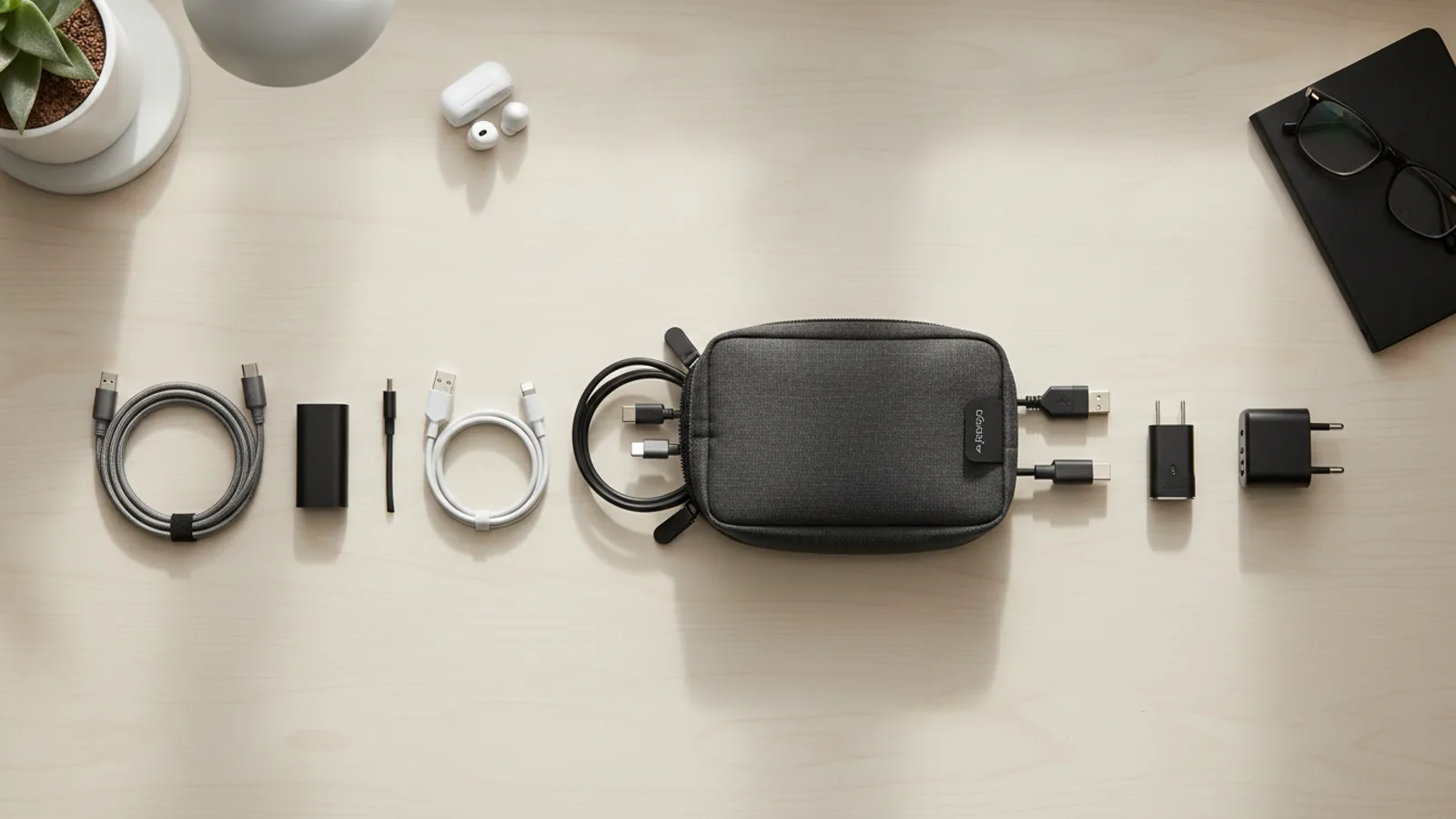
How To Make A Simple Evening Charging Routine That Keeps Surfaces Clear
A practical step-by-step guide to how to make a simple evening charging routine that keeps surfaces clear, including preparation, instructions, common issues, tips, and next steps.
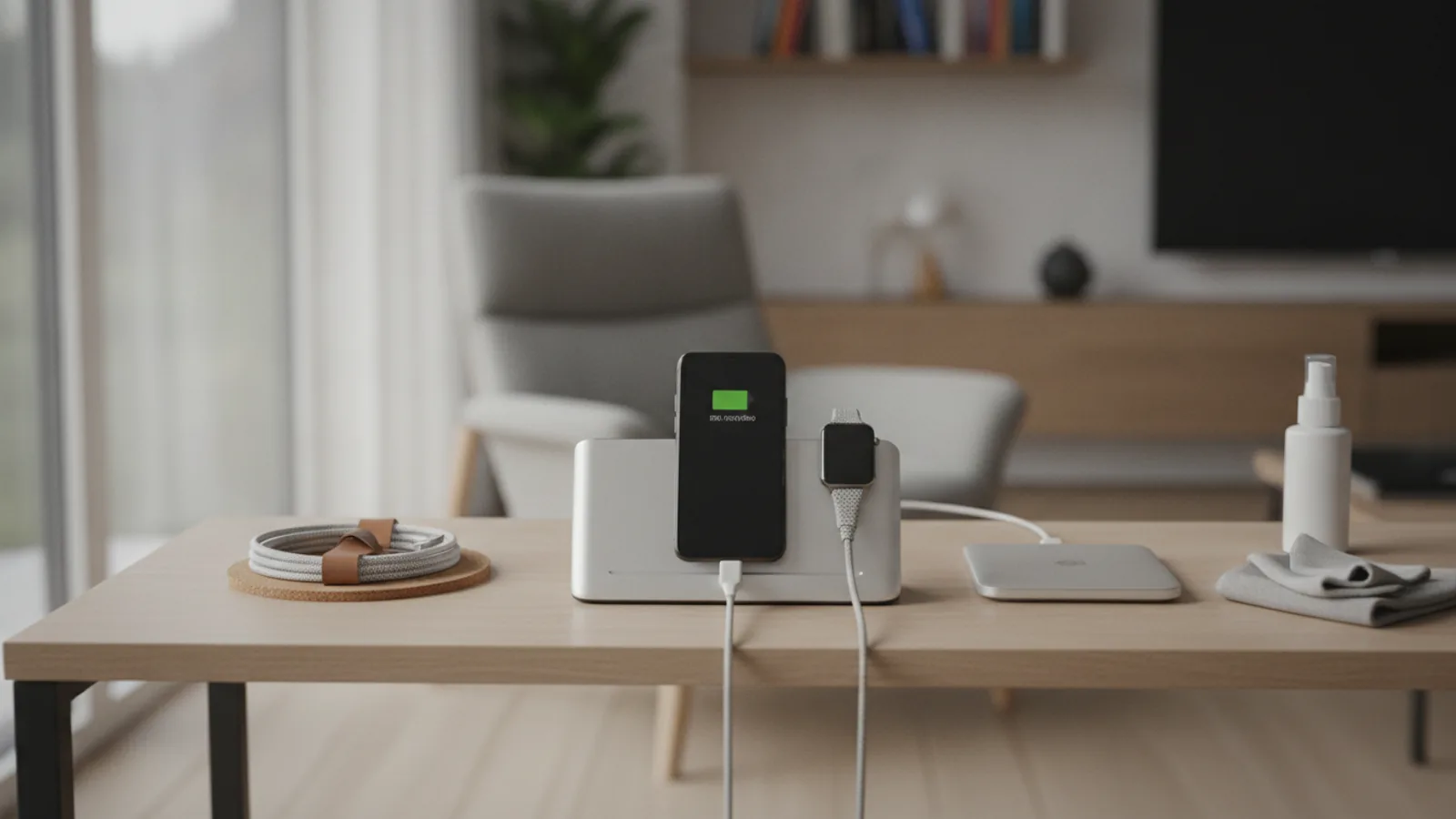
How To Make A Simple Evening Charging Routine That Keeps Surfaces Clear
Creating a simple evening charging routine that keeps surfaces clear involves designating a single charging spot, using a tray or dish to contain devices and cables, and making it a habit to unplug and tidy up each morning. This routine reduces visual clutter, prevents cable tangles, and ensures devices are ready for the next day. By following a consistent sequence of steps, you can transform your bedside table or desk into an organized zone that supports better sleep, safer charging, and a calmer start to your morning.
Fast Answer
- Choose one flat, safe surface as your dedicated charging zone, such as a nightstand or a corner of your desk. Put a small tray or dish there to hold every device and cable while charging.
- Plug in all devices at the same time each evening, placing them on the tray. In the morning, unplug everything and store the cables in a drawer or wrapped neatly in the tray to keep the surface clear during the day.
Before You Start
- Collect all the devices you charge regularly, like phones, tablets, smartwatches, earbuds, or rechargeable batteries. Gather their charging cables and power adapters into one pile so you can see what you actually use.
- Choose a dedicated surface that is flat, stable, and within easy reach of an outlet. It should not be in a walkway or near water. This surface will become your permanent charging and evening drop zone.
- Find a tray, shallow dish, or small basket with a low lip. It should be large enough to hold all your devices side by side without stacking. This will catch loose items like keys or a watch and keep cables contained.
- Before you start, clear the chosen surface completely. Remove any cups, papers, or other items. Wipe it down so you begin with a clean slate. This makes the new routine feel intentional and easier to maintain.
Step-by-Step Instructions
Set Up Your Surface
Start by placing your chosen tray or dish on the dedicated surface, making sure it sits flat and does not slide. If the tray is thin, add a small non-slip pad underneath to keep it steady. Position the tray so that it covers the area where you usually put your devices. If you have a lamp or a clock on the surface, move them to the far side so the tray is the star. The tray should be the only item that holds charging items; everything else stays off. This single container creates a visual boundary, so you instantly know where devices belong and where they should not be. As you place the tray, check that the power outlet is reachable without stretching a cable across the surface or over the edge. If the outlet is too far, consider using a short extension cord that you secure along the base of the wall, but keep it out of the way. This setup makes the morning clear-up simple: you only need to empty the tray.
Connect Your Cables
Plug each adapter into the power outlet or a power strip, and then route the cables to the tray. Lay the cables along the back edge of the tray or tuck them underneath the tray if it has a raised lip. The goal is to have the connector end of each cable waiting inside the tray, ready for you to plug in a device. If your cables are too long, wrap the excess neatly and secure it with a twist tie or a small loop of Velcro. Do not let cables dangle over the front edge where they can trip someone. Check that each cable is fully inserted into the adapter and that no pins are bent. Also, make sure the connectors are not touching each other if the tray is metal. Once every cable is in place, do a gentle tug test on each one to confirm it is secure. This step is important because it prevents you from struggling with tangled cords in the evening, and it reduces the chance of a frayed wire developing from being pulled roughly.
Create Your Evening Checklist
Mentally list the devices you charge every night, such as phone, smartwatch, earbuds, and tablet. Write this list on a small sticky note or a card and place it near your tray, so you do not forget anything. Every evening at the same time, go through the list: place each device on the tray, plug it into its cable, and tuck any loose items like a wallet or keys into the tray as well. This turns the routine into a habit and ensures that no device is left with a low battery in the morning. As you plug in each device, check that the charging indicator lights up or that the device makes a sound. If you are unsure, pick up the device and see the screen. This check is vital because a loose connection might look fine but not charge. By using a checklist, you avoid the mistake of thinking a device is charging when it is not.
Settle Your Devices in the Tray
Place each device onto the tray in a way that keeps the surface clear and cables organized. Put the largest device, like a tablet, flat in the back of the tray. Stand your phone upright against the back edge or lay it flat next to the tablet. Place your smartwatch and earbuds in the front, and tuck any loose items like a fitness tracker in the remaining space. Ensure that no device is stacked on top of another, as that can block airflow and cause overheating. Also, make sure the screens are not face down on the tray, especially if the tray is hard, because that could scratch the glass. As you position each device, gently press the connector into the port until you feel a click. If a device uses a magnetic connector, line it up carefully and let it snap into place. This step keeps everything within reach, so you can grab your phone if you need it during the night without disconnecting other devices.
Double-Check the Setup
Before you move on to other activities, spend ten seconds verifying that every device is charging. Look at each screen or indicator light to confirm it is on. If you have a phone, you can check the battery icon briefly. For earbuds, the case should show a small LED. If any device is not charging, unplug it and plug it back in, or try a different cable. Also, make sure that no cable is pinched under a device or twisted around a corner. Look at the tray from a front angle to see that there is no loose wire hanging over the edge. Then, look at the floor near the outlet to ensure no cable is lying where someone might step on it. This check matters because a device left on a charger that is not connected will still drain battery overnight. A quick scan saves you from a frustrating morning with a dead phone.
Morning Clear-Out
Each morning, after you wake up, make it a habit to empty the tray and keep the surface clear for the day. Unplug each device from its cable, and place the device where you will use it – for example, take your phone with you to the kitchen. Then, unplug the cables from the power outlet, or if you prefer, leave them plugged in but coil each cable neatly and place it in the tray. If you fully unplug them, store the cables in a drawer or a small pouch that you keep near the tray. The tray itself should be empty and wiped down if there is any dust. This morning clear-out is what keeps the surface free of clutter during the day, so you can use it for writing, eating, or working. It also prevents cables from being yanked or tripped on. By doing this every day, you maintain the clear surface without extra effort.
Quick Reference
| Situation | Action | Why it helps |
|---|---|---|
| You come home in the evening and want to set up your charging zone, but there is clutter on your desk. | First, move everything that is not part of your charging setup to another location, such as a shelf or a drawer. Then, wipe the desk surface, and place your tray and cables exactly as you have in your routine. | Removing clutter prevents you from setting down other items on the tray and ensures that the charging area remains clearly dedicated, so you do not accidentally plug in a non-charging item or lose a cable under a stack of papers. |
| You are about to go to bed, but you realize you have a few items that need charging, and you are not sure if they all fit on the tray. | Prioritize the devices you need for the next day first, like your phone and earbuds. Place them on the tray and plug them in. Then, for any additional items, you can stack them temporarily on the tray only if that does not block airflow, but better to use a second tray or charge them in another room. | Filling the tray to overflowing can lead to devices falling off, cables being disconnected, or a device overheating because it is covered. Keeping the tray at a safe capacity ensures all devices charge reliably and stay safe. |
| It is morning and you are in a rush, but you need to clear the surface before work. | Do a quick twenty-second sweep: unplug all devices, toss them into a tote bag or a drawer where they are safe (like a pocket in your work bag), and coil the cables into a single tight loop, placing them in the tray. If you must leave, at least unplug the devices and leave the cables on the tray. | Even a quick clear prevents the area from becoming a permanent clutter zone. It also reduces the chance that you accidentally knock a device off the tray during the day or that a cable gets caught on your clothing, which could damage the cable. |
Common Issues
- Cables always seem to fall off the tray and tangle on the floor, even though you place them on the tray at night.: Use a tray with a raised lip or a shallow bowl, and route the cables so that the excess length is tucked underneath the tray or wrapped in a figure-eight. Better yet, use a short cable that just reaches the device. You can also manage the cables by using a cable clip attached to the back of the tray to hold the cable in place.
- After a few days, you start leaving other items, like keys or coins, on the tray, and it becomes messy.: Set a rule that the tray is only for devices and chargers. If you notice other items, move them to a separate catch-all container near the door or on your desk. Every evening, before charging, clear out any non-charging items from the tray to restore its purpose.
- Your phone or earbuds do not charge overnight even though you plugged them in the same way you always do.: Check the charging cable and port for dust or debris. Use a toothpick or a soft brush to gently clean the port. Also, try a different charger or cable to see if the issue is with the cable or the device. If it still does not charge, the battery or port may need professional attention, so check the manufacturer's support information.
Advanced Tips
- Consider using a single magnetic multi-charger that holds all your devices at once, but only if it is compatible with your devices. This can reduce the number of cables, but always follow the manufacturer's instructions to avoid overheating.
- Install a small shelf above your charging tray to create a vertical layer for smaller items like earbuds, keeping the tray surface even clearer. This works especially well for a nightstand.
- Set up a second charging station in your living area for devices you use during the day, so you do not have to unplug your nighttime setup just to charge a tablet during the day. This keeps each station tidy and reduces the morning clear-out to just one tray.
Final Checklist
- I have cleared a tray or dish on a dedicated surface, and I know exactly what goes on it during evening charging.
- Every cable is connected securely, labeled, and routed so that it does not dangle or tangle, and the area is safe and dry.
- I have memorized or written down my evening list of devices, and I check each one as I plug it in.
- I have a morning habit of clearing the tray and coiling or storing cables, leaving the surface clear for daytime use.
FAQ
What if I do not have enough room for a separate tray on my nightstand?
You do not need a large tray. Even a small dish or a sturdy plate can work for a phone and a watch. The key is to have a defined boundary. If space is extremely tight, consider a wall-mounted shelf or a adhesive cable clip that holds a cable, but the tray acts as the visual cue for where devices go. You can also use a small pouch that hangs from a hook, but a tray on the surface is simplest.
Is it okay to leave chargers plugged in all the time, even when not in use?
Most modern chargers are designed to be left plugged in, but they still draw a small amount of standby power. If you want to minimize energy use, unplug the chargers in the morning. Some people prefer to leave them plugged in for convenience. Just ensure they are not covered and are in a dry area. The main thing is to avoid plugging in too many devices on one outlet, so use a power strip with over current protection if needed.
How do I prevent the area from looking messy with all the cables visible?
Use a tray that has a raised rim and tuck the excess cable under the tray. Or, invest in a cable sleeve or braided cables that are less visually distracting. Another strategy is to use a cable box or a small sealed container that hides the power strip and the cables, but make sure it is ventilated. The morning clear-out is also key: if you put the cables away, the surface stays clear.